
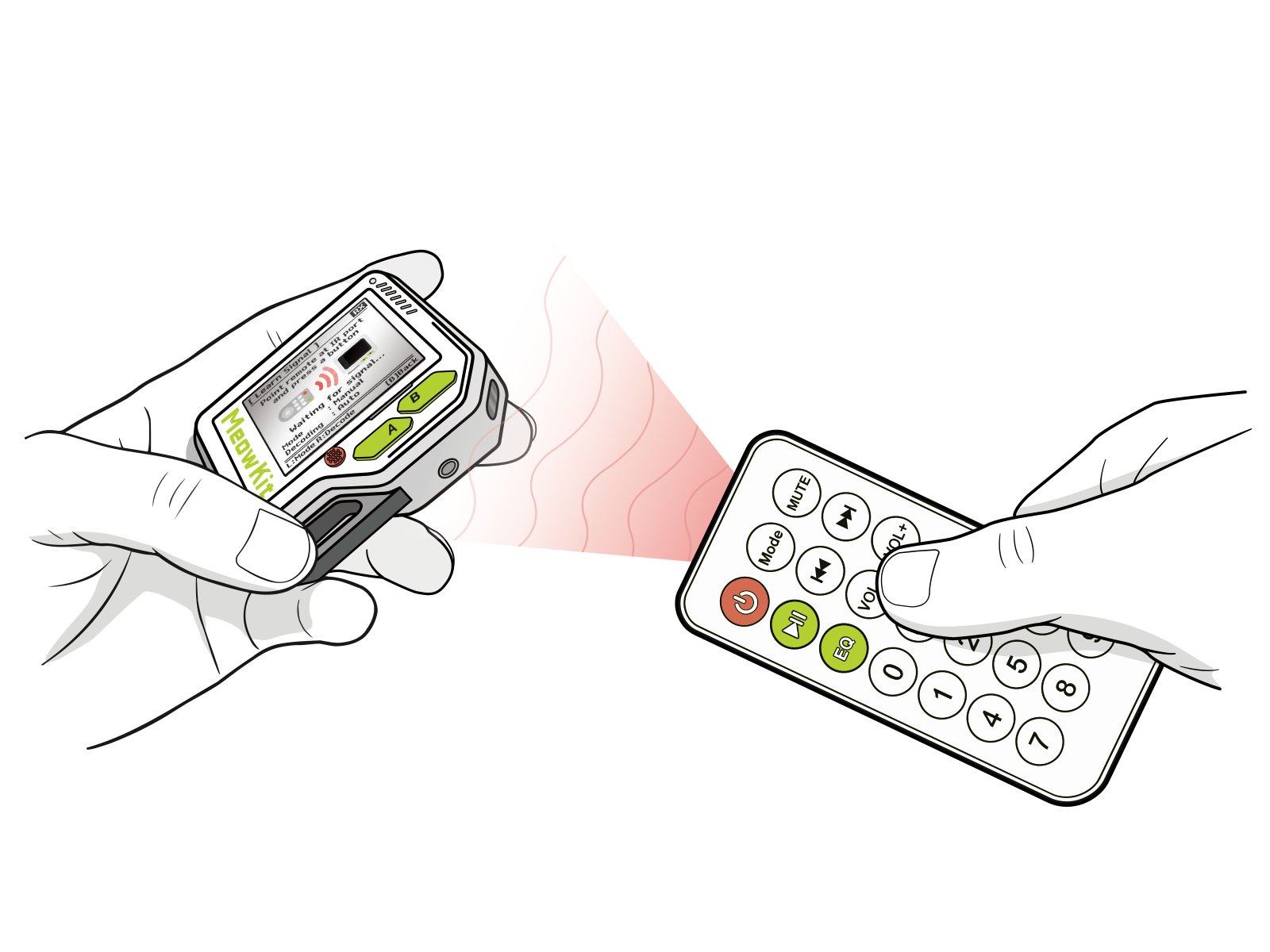
Capturing infrared signals
MeowKit uses its built-in IR receiver to capture and demodulate infrared signals with a carrier frequency of 38 kHz. In Auto mode, supported protocols are decoded automatically. Unrecognized signals are recorded in RAW format. To capture and save a signal, follow these steps:Open Infrared → Learn New Remote.
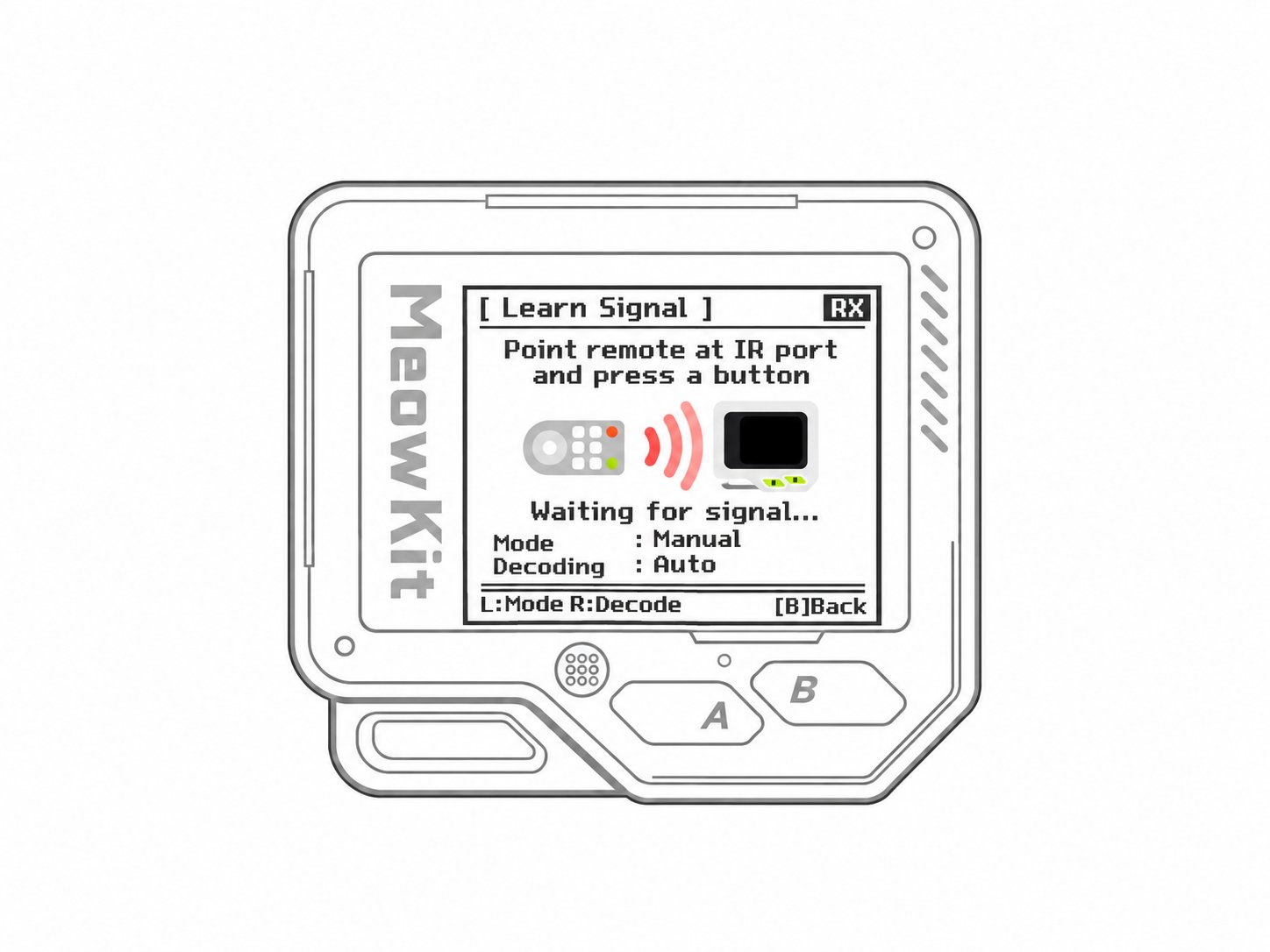
Point your IR remote at MeowKit’s IR receiver. Keep the path between them clear.
On your remote, press the button you want MeowKit to record
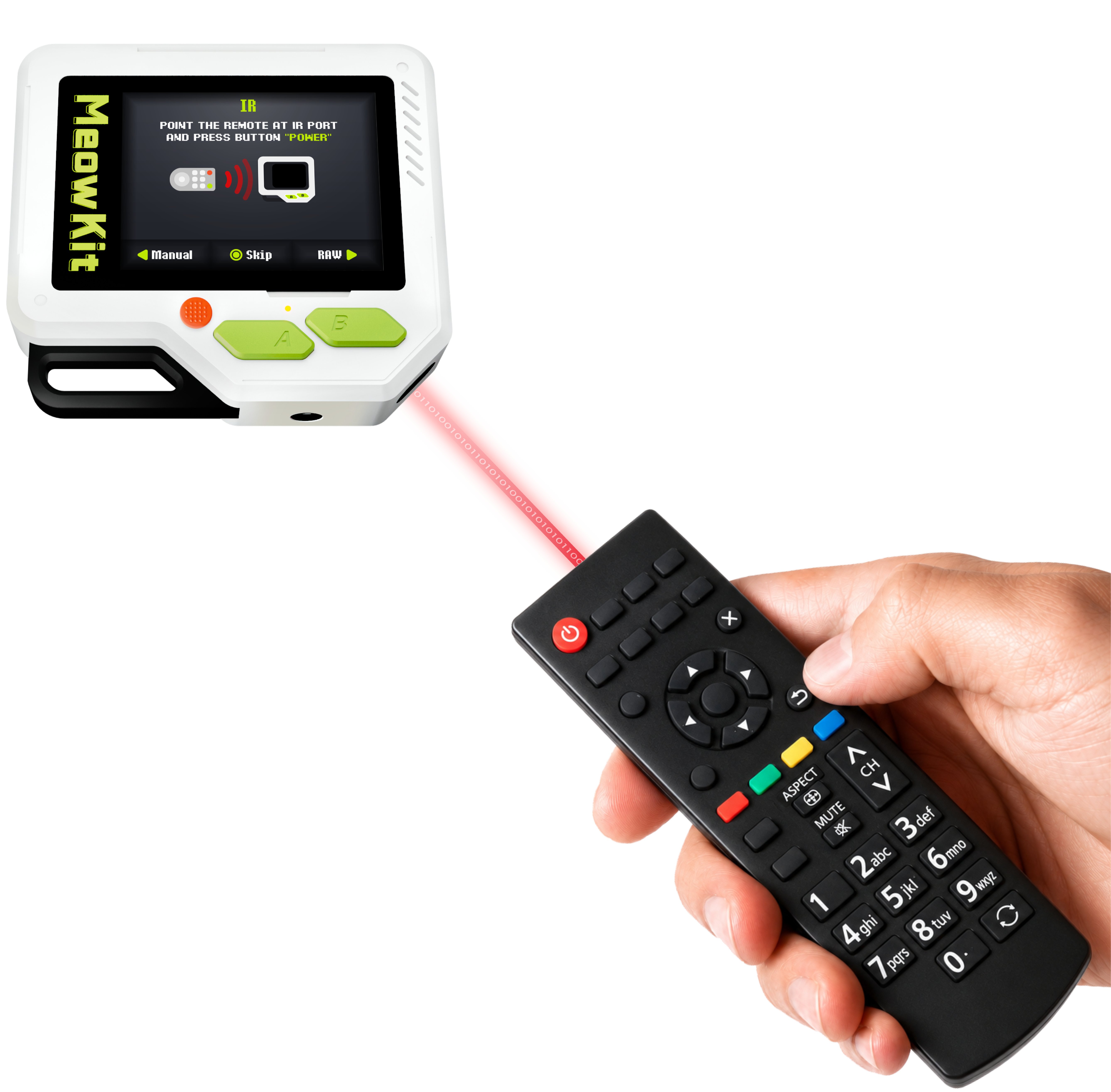
Once the signal is captured, MeowKit displays Signal Received and the protocol name, or RAW if the signal was recorded without decoding.
To save the signal, press Right, name the button, then select Save and press A.
After saving the first button, MeowKit creates a virtual remote with the new button. Select + Add Button to add more buttons.
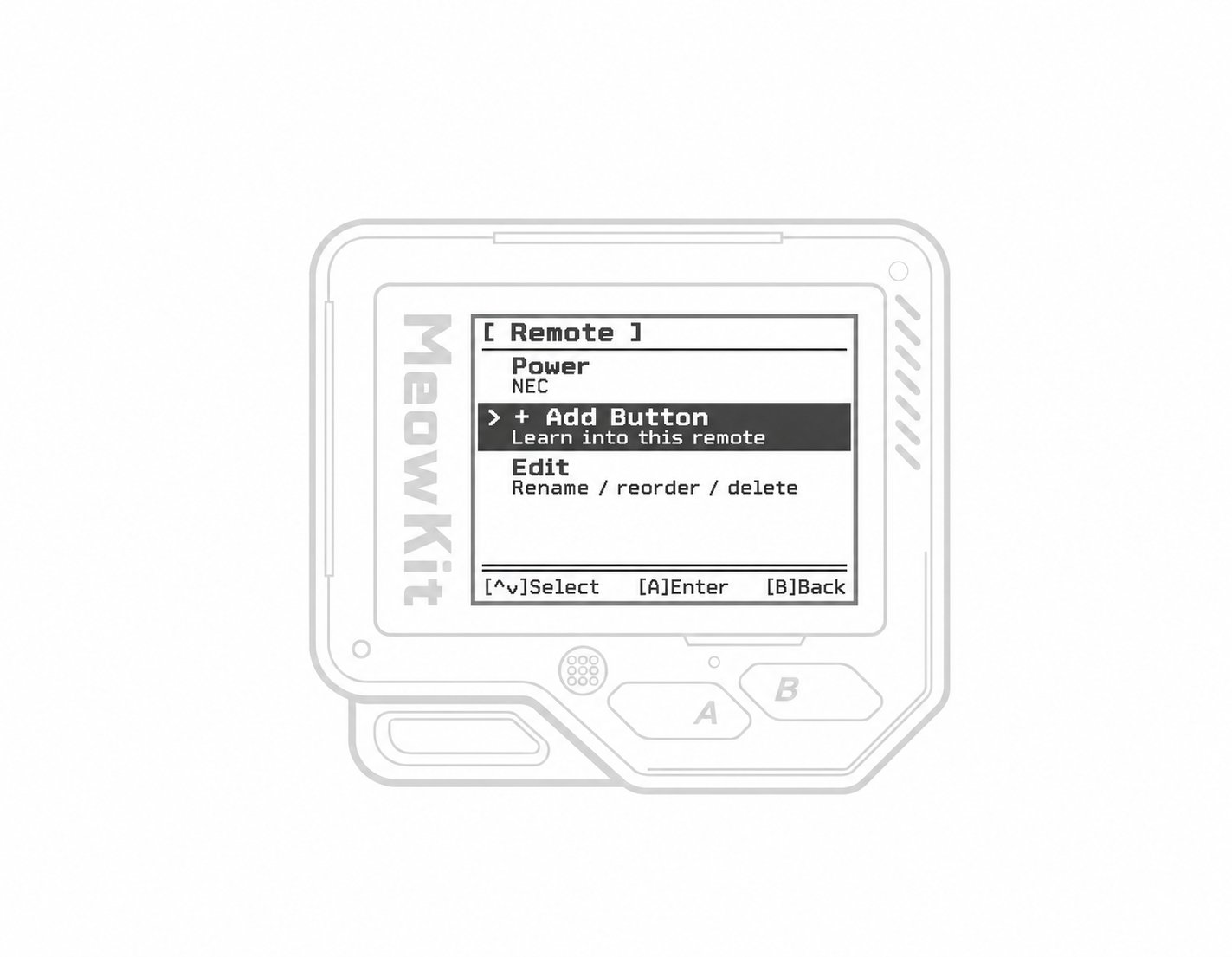
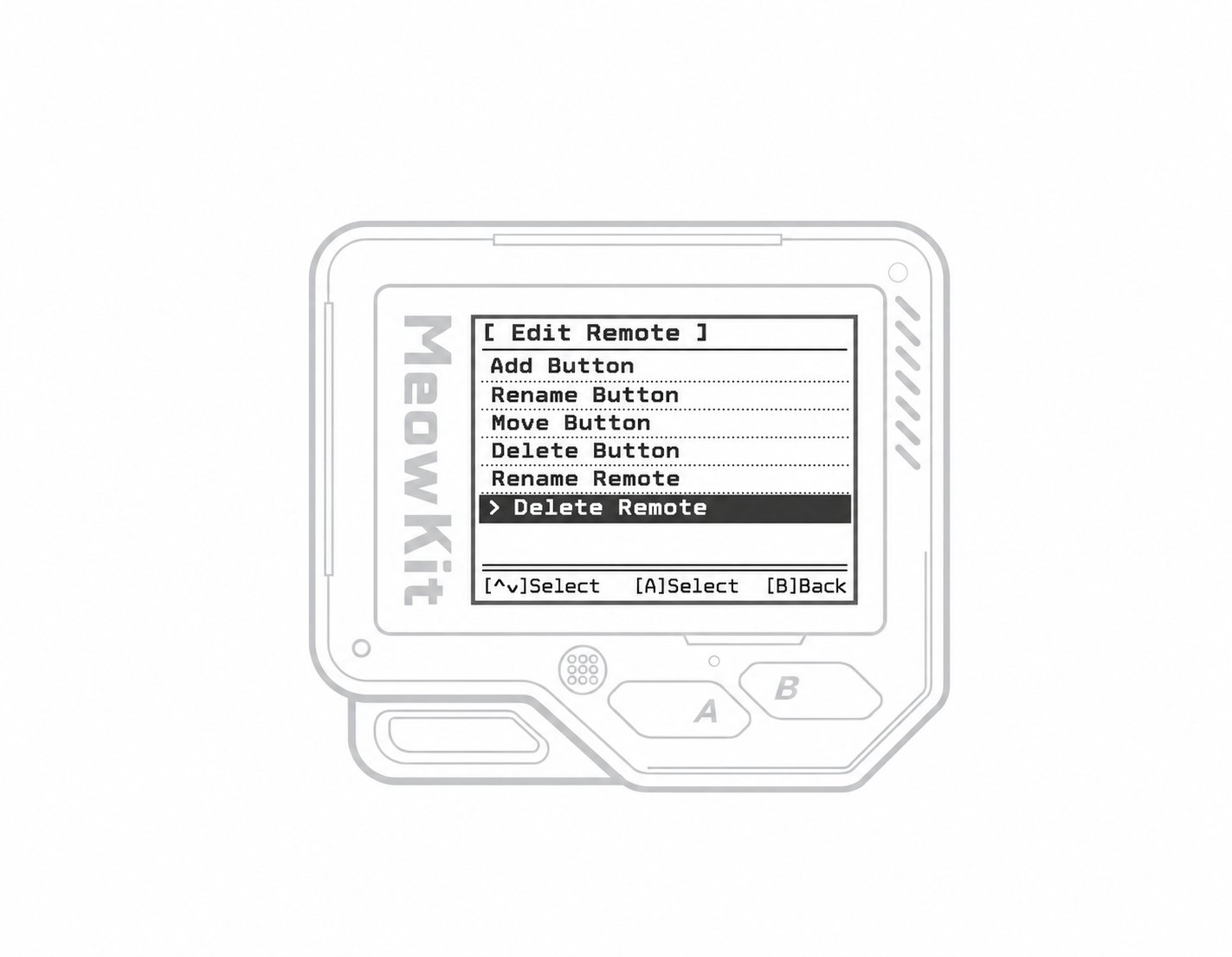
To customize or delete the virtual remote, select Edit.
Emulating infrared signals
MeowKit uses its built-in IR transmitter to send saved signals to TVs, air conditioners, projectors, sound systems, and other infrared-controlled devices. To send a signal, follow these steps:Open Infrared → Saved Remotes.
Select the saved remote and press A to open it.
Point MeowKit’s IR transmitter at the device you want to control. Keep the path between them clear.
Select the button you want to send, then press A. Hold A to send repeatedly.